



Question:
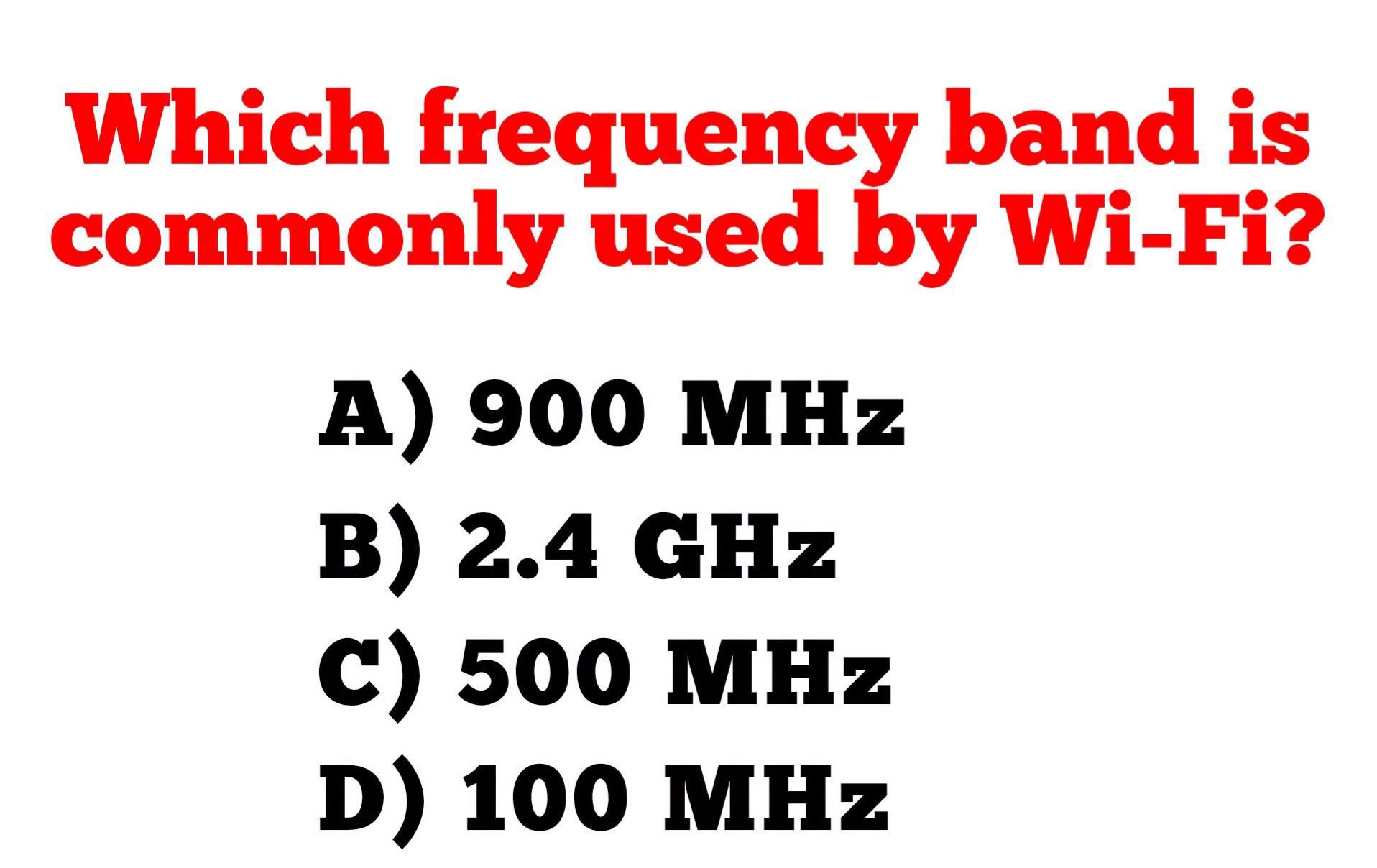
Which frequency band is commonly used by Wi-Fi?
A) 900 MHz
B) 2.4 GHz
C) 500 MHz
D) 100 MHz
Correct Answer: B) 2.4 GHz
Introduction
Wireless Fidelity, commonly known as Wi-Fi, is one of the most widely used wireless communication technologies in the world. It allows devices such as smartphones, laptops, tablets, smart televisions, printers, security cameras, and Internet of Things (IoT) devices to connect to the internet or local networks without the need for physical cables. Since its introduction in the late 1990s, Wi-Fi has become an essential part of homes, offices, schools, hospitals, airports, and public spaces.
One of the key characteristics of Wi-Fi technology is the radio frequency band in which it operates. Radio frequencies determine how wireless signals propagate, how much data they can carry, how well they penetrate obstacles, and how susceptible they are to interference. Among the available options, the 2.4 GHz frequency band has historically been the most common and remains one of the primary bands used by Wi-Fi devices today.
Although modern Wi-Fi standards also use the 5 GHz and 6 GHz frequency bands, the 2.4 GHz band remains universally supported because of its long transmission range and compatibility with nearly all Wi-Fi equipment.
Understanding Wi-Fi
Wi-Fi is based on the IEEE 802.11 family of wireless networking standards. It enables devices to exchange data using radio waves instead of wired Ethernet connections. A typical Wi-Fi network consists of:
- Wireless Router
- Wireless Access Point (AP)
- Client Devices
- Internet Connection
- Local Area Network (LAN)
The wireless router broadcasts radio signals that nearby devices receive and use to establish communication. Once connected, users can browse the internet, stream videos, transfer files, print documents, and communicate with other devices on the same network.
What Is a Frequency Band?
A frequency band is a range of radio frequencies allocated for a specific communication purpose. Frequency is measured in Hertz (Hz), which represents the number of wave cycles occurring each second.
Common units include:
- Kilohertz (kHz) = 1,000 Hz
- Megahertz (MHz) = 1,000,000 Hz
- Gigahertz (GHz) = 1,000,000,000 Hz
The higher the frequency, the shorter the wavelength and the greater the potential data transmission capacity. However, higher frequencies usually have shorter coverage distances and lower ability to penetrate walls and other obstacles.
Why 2.4 GHz Is Commonly Used
The 2.4 GHz frequency band has become the most widely recognized Wi-Fi band because it provides an excellent balance between coverage distance, signal penetration, and compatibility.
Advantages include:
- Longer transmission range than higher frequencies.
- Better penetration through walls and buildings.
- Broad compatibility with almost all Wi-Fi devices.
- Lower deployment costs.
- Reliable indoor and outdoor performance.
Because of these characteristics, virtually every Wi-Fi router supports the 2.4 GHz band.
How 2.4 GHz Works
A wireless router operating at 2.4 GHz transmits radio signals over designated channels within the Industrial, Scientific, and Medical (ISM) band.
Client devices equipped with wireless adapters receive these signals and establish secure communication with the access point.
Data is transmitted using modulation techniques such as:
- OFDM (Orthogonal Frequency Division Multiplexing)
- DSSS (Direct Sequence Spread Spectrum)
- MIMO (Multiple Input Multiple Output)
These technologies enable multiple users to share the same wireless spectrum efficiently.
Advantages of the 2.4 GHz Band
1. Greater Coverage
Lower frequencies generally travel farther than higher frequencies.
A 2.4 GHz signal can cover larger indoor areas compared to a 5 GHz signal operating under similar conditions.
This makes it suitable for:
- Homes
- Warehouses
- Schools
- Factories
- Large office buildings
2. Better Wall Penetration
Radio signals weaken when passing through physical obstacles.
Compared to higher frequencies, 2.4 GHz signals penetrate:
- Concrete walls
- Wooden partitions
- Brick structures
- Glass
- Furniture
more effectively.
This provides stronger coverage throughout buildings.
3. Universal Compatibility
Almost every Wi-Fi-enabled device manufactured during the past two decades supports the 2.4 GHz band.
Examples include:
- Smartphones
- Tablets
- Laptops
- Desktop computers
- Smart TVs
- Printers
- IP Cameras
- IoT devices
- Gaming consoles
This universal compatibility makes 2.4 GHz indispensable.
4. Lower Equipment Cost
Because 2.4 GHz technology has been available for many years, equipment supporting this frequency is widely available and relatively inexpensive.
Limitations of 2.4 GHz
Despite its advantages, the 2.4 GHz band has several disadvantages.
Network Congestion
Many wireless technologies use the same frequency band, including:
- Bluetooth
- Wireless keyboards
- Wireless mice
- Baby monitors
- Microwave ovens
- Zigbee devices
- Cordless phones
This shared spectrum increases interference.
Limited Number of Non-Overlapping Channels
Most countries provide only three non-overlapping Wi-Fi channels in the 2.4 GHz band.
This limitation increases channel congestion in densely populated areas.
Lower Maximum Speed
Compared to 5 GHz and 6 GHz, the 2.4 GHz band offers lower maximum throughput because of its smaller available bandwidth.
Other Wi-Fi Frequency Bands
Although the question identifies 2.4 GHz as the correct answer, modern Wi-Fi systems also use additional frequency bands.
5 GHz
The 5 GHz band offers:
- Higher speeds
- More available channels
- Less interference
- Lower latency
However, its disadvantages include:
- Shorter range
- Reduced wall penetration
This makes 5 GHz ideal for:
- Video streaming
- Online gaming
- Large file transfers
- High-density office environments
6 GHz
The newest Wi-Fi generation, Wi-Fi 6E and Wi-Fi 7, introduces operation in the 6 GHz band.
Benefits include:
- Extremely high speeds
- Very low latency
- Wide channel bandwidth
- Reduced interference
Because relatively few devices currently use 6 GHz, it provides excellent performance for modern wireless applications.
Wi-Fi Standards
Different Wi-Fi generations operate on different frequency bands.
| IEEE Standard | Common Name | Frequency Band |
|---|---|---|
| 802.11b | Wi-Fi 1 | 2.4 GHz |
| 802.11a | Wi-Fi 2 | 5 GHz |
| 802.11g | Wi-Fi 3 | 2.4 GHz |
| 802.11n | Wi-Fi 4 | 2.4 & 5 GHz |
| 802.11ac | Wi-Fi 5 | 5 GHz |
| 802.11ax | Wi-Fi 6 | 2.4 & 5 GHz |
| Wi-Fi 6E | Extended Wi-Fi 6 | 2.4, 5 & 6 GHz |
| Wi-Fi 7 | IEEE 802.11be | 2.4, 5 & 6 GHz |
This progression demonstrates how newer Wi-Fi technologies continue to support the widely used 2.4 GHz band while adding higher frequencies for increased capacity.
Practical Example
Consider a family living in a two-story house.
The wireless router broadcasts both:
- 2.4 GHz
- 5 GHz
The living room television is close to the router.
It connects using 5 GHz to obtain maximum streaming speed.
A smart security camera installed outside the garage is much farther away.
It connects using 2.4 GHz because the lower frequency provides stronger coverage through multiple walls.
This example illustrates why both frequency bands are useful in modern Wi-Fi networks.
Understanding the Incorrect Answers
A) 900 MHz
Although 900 MHz is used by certain wireless communication systems, cordless phones, industrial telemetry, and some long-range IoT applications, it is not the standard frequency band used by Wi-Fi.
C) 500 MHz
The 500 MHz band is allocated for other radio communication services in many countries and is not used for Wi-Fi networking.
D) 100 MHz
The 100 MHz frequency falls within the FM radio broadcast spectrum and is not used for Wi-Fi communication.
Therefore, among the given options, 2.4 GHz is the correct answer.
Applications of 2.4 GHz Wi-Fi
The 2.4 GHz Wi-Fi band is widely used in:
- Homes
- Offices
- Schools
- Hospitals
- Hotels
- Shopping malls
- Airports
- Warehouses
- Manufacturing plants
- Smart home systems
It supports countless connected devices and remains one of the most important wireless technologies worldwide.
Best Practices for Using 2.4 GHz Wi-Fi
To achieve reliable performance, network administrators should:
- Position the wireless router centrally.
- Avoid placing the router near microwave ovens or cordless phones.
- Select the least congested Wi-Fi channel.
- Use WPA2 or WPA3 encryption.
- Keep router firmware updated.
- Separate IoT devices from business-critical networks when appropriate.
- Use dual-band or tri-band routers to balance traffic between 2.4 GHz, 5 GHz, and 6 GHz.
Following these practices improves coverage, security, and network performance.
Conclusion
The correct answer is B) 2.4 GHz. The 2.4 GHz frequency band has long been the most common and widely supported band used by Wi-Fi networks. It offers an excellent balance between transmission range, wall penetration, compatibility, and affordability, making it suitable for homes, businesses, educational institutions, and industrial environments. Although modern Wi-Fi technologies also utilize the 5 GHz and 6 GHz bands to provide higher speeds and increased capacity, the 2.4 GHz band remains an essential part of wireless networking because nearly all Wi-Fi-enabled devices support it. Understanding how different frequency bands influence coverage, speed, and interference helps network engineers and users design wireless networks that deliver reliable connectivity and optimal performance.